Smart Search Tip: Looking for more? To find items instantly, use single-word keywords (e.g., “shoes” or “T-SHIRT”) instead of long sentences for the best results.
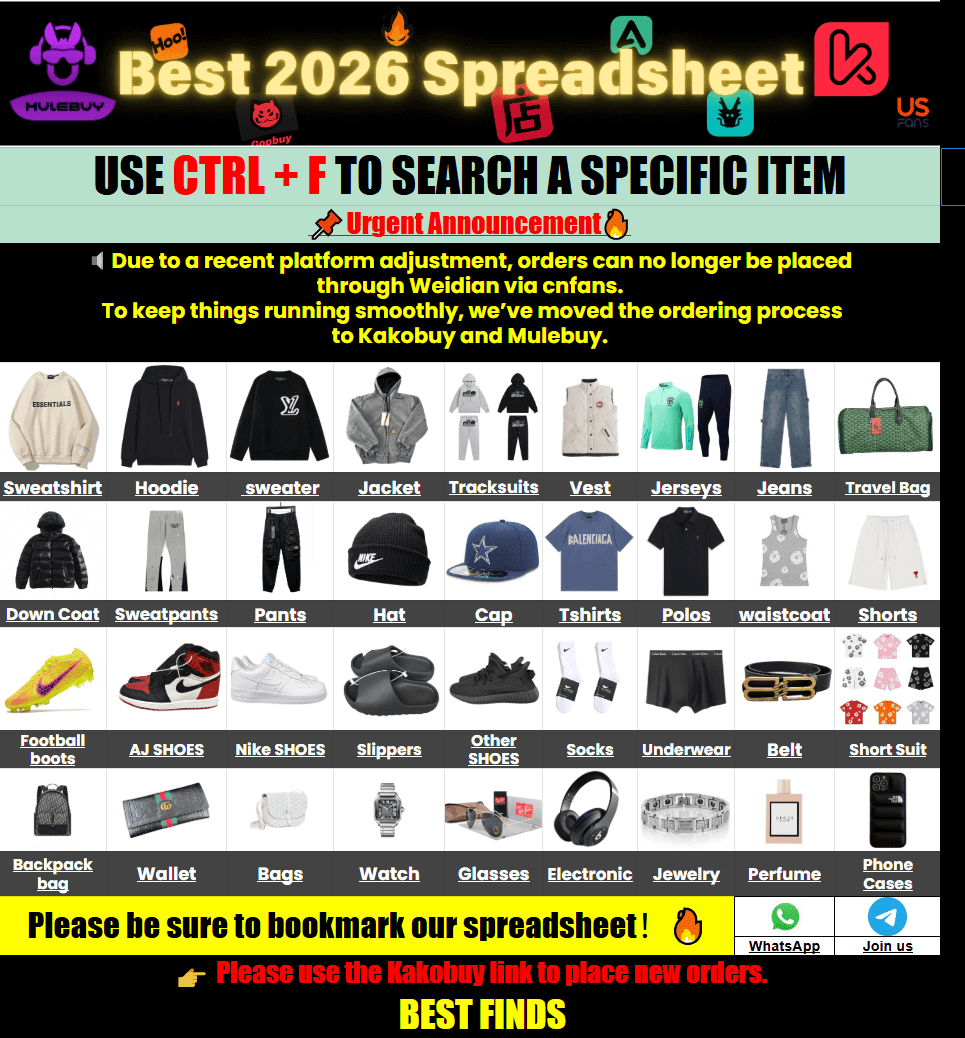
Tired of waiting 20–30 seconds for a Google Sheet to load on your phone every time you want to check a new find? The Kakobuy spreadsheet with QC photos turns that lag into instant browsing. You get over 15,000 curated items with real warehouse QC shots, organized categories, and one-click jumps to the agent for ordering. No more frozen tabs or endless scrolling through dead links.
Why Google Sheets Feel Slow (and What Changes Here)
Most shared spreadsheets start fine when they have a few hundred rows. Once they hit thousands of product links, QC image columns, and notes, they crawl—especially on mobile data. Filters freeze, images take forever to appear, and you end up screenshotting half the page just to compare two pairs of sneakers later.
This site rebuilds that same data into a normal web catalog. Categories load in under a second. Product cards show price, basic specs, and a thumbnail of the QC set right away. Clicking “Buy” sends you straight to the agent page with the link already filled. That is the whole point: keep the useful data, drop the lag.
How QC Photos Actually Work
QC (quality control) photos are the warehouse shots taken after the agent receives the item and before it ships to you. Good sellers and agents provide multiple angles under consistent lighting: front, back, side, sole, tags, and close-ups of stitching or logos.
When you open a product on this site you usually see a small set of those photos already embedded. Use them to check:
- Shape and proportions against the reference photos you already know
- Material texture and color accuracy
- Stitching consistency and any glue marks
- Tags, labels, and packaging details
If the listing only shows seller studio shots, treat those as marketing. Wait for the actual warehouse QC before you approve. Most agents let you request extra angles or measurements at this stage with little or no extra cost.
Pro tip: save the QC album to your phone. Side-by-side comparison later is much easier than scrolling back through chat history.
Dig Deeper
What most buyers miss about QC photos
You know how QC photos work mechanically — but do you know how they actually shape your buying confidence? We break down the psychology behind why certain photos make you feel sure (or unsure) about pulling the trigger on an order.
Sizing & Spec Comparison That Actually Helps
Manufacturer dimensions and batch sizing guides vary more than people expect. A size 42 from one factory can measure differently from another even when both claim the same US or EU conversion.
Here is a practical way to compare:
| What to Check | Why It Matters | What to Do |
|---|---|---|
| Insole length (cm) | Most accurate for shoes | Measure your best-fitting pair and match within 0.3–0.5 cm |
| Chest / shoulder width | Hoodies & jackets often run different | Compare to a garment you already own that fits well |
| Weight listed | Helps estimate shipping cost early | Add 10–15% buffer for packaging |
| Material notes | Fleece weight or canvas thickness affects feel | Look for grams or simple descriptions in the QC notes |
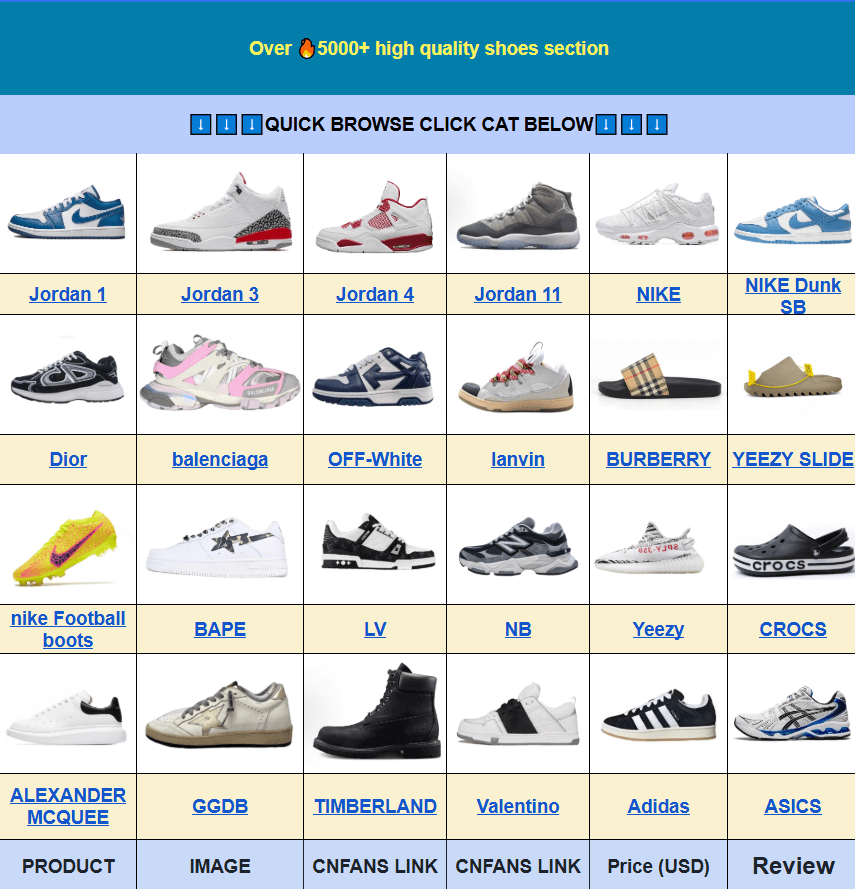
For footwear, the kakobuy shoes category often includes batch notes or measurement photos. For tops and layers, check the kakobuy hoodies & sweaters section where chest and length measurements show up more frequently.
Always ask the agent for a measurement photo if the listing only gives a generic size chart. One extra photo can save a return headache later.
Simple Buying Steps from Search to Door
- Search with a single clear word or short phrase on the site.
- Open a few similar items and compare the QC sets side by side.
- Note the price, estimated weight, and any size notes.
- Click the buy button— it opens the agent page with the link ready.
- Place the order through the agent. Wait for the warehouse to receive it and upload QC.
- Review the real QC photos carefully. Approve or request changes.
- Once everything is good, submit the parcel for shipping. Choose the line that matches your budget and timeline.
First-time users often get a small coupon pack or free storage days. Check the agent’s current offers before you pay.
International shipping depends on weight, destination, and the line you pick. Most standard options land between 7–20 days after dispatch. Heavier or restricted items may need a different route—ask the agent for quotes before you consolidate.
FAQ
Q: How is product quality checked? Are there real QC photos?
A: Yes. Most listings include warehouse QC photos taken after the item arrives at the agent. You review those before anything ships to you.
Q: Why not just keep using Google Sheets?
A: Sheets get slow and crash once they hold thousands of rows and image links. This site loads the same data as normal web pages so you can browse and compare without the lag.
Q: What types of products show up here?
A: Streetwear apparel, classic design sneakers, jackets, pants, headwear, accessories, sets, and seasonal pieces—basically the same categories people share in community spreadsheets, just organized and searchable.
Q: Is the site safe and does it share my data?
A: The site itself is only a browsing catalog. Purchases and personal details stay with the agent platform. No account is required just to look around.
Q: What if the item I receive is not what I expected?
A: Contact the agent support with your order number and the QC photos. Most agents offer photo review before shipping and have clear processes for returns or exchanges when something is clearly off.
Q: Does the mobile version work well?
A: Yes. Categories and product cards are designed for phones, so you can search and compare without constant zooming or horizontal scrolling.
Q: Any real advantages for first-time users?
A: New agent accounts often get starter coupons and longer free storage windows. Pair that with the ready-made QC photos and you spend less time hunting and more time deciding.
If you already know the style you want, start with a short keyword search, open two or three QC sets, and check the measurements against something you already own. That short loop beats staring at a frozen spreadsheet every time.