Smart Search Tip: Looking for more? To find items instantly, use single-word keywords (e.g., “shoes” or “T-SHIRT”) instead of long sentences for the best results.
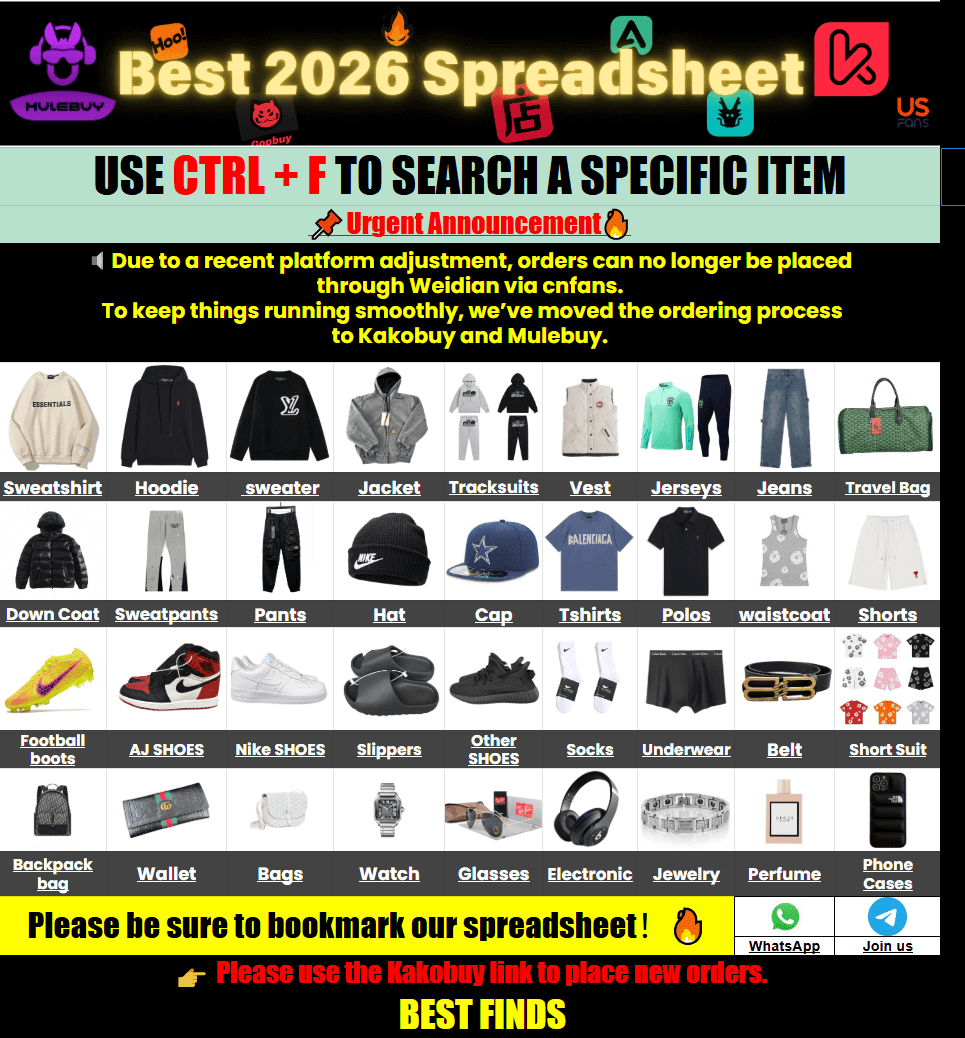
Google Sheets dragging on your phone is a common headache when hunting for finds. The Kakobuy Spreadsheet website solves that by turning slow-loading tables into a fast, mobile-friendly catalog. You get instant access to over 15,000 QC-verified product photos and links without waiting for cells to load. Browse categories, check real warehouse shots, and jump straight to the agent for ordering—all from your phone or desktop. No more frozen screens or endless scrolling through outdated rows.
Why Sheets Feel Slow on Mobile
Most people start with a shared Google Sheet full of product links. On a phone the page often takes 20–30 seconds to fully load, especially when the sheet has thousands of rows and embedded images. Zooming in on a size chart or trying to open a QC photo mid-scroll becomes frustrating fast. That’s exactly the gap the Kakobuy Spreadsheet website fills. It converts those same data points into a clean product grid that opens in under a second on mobile.
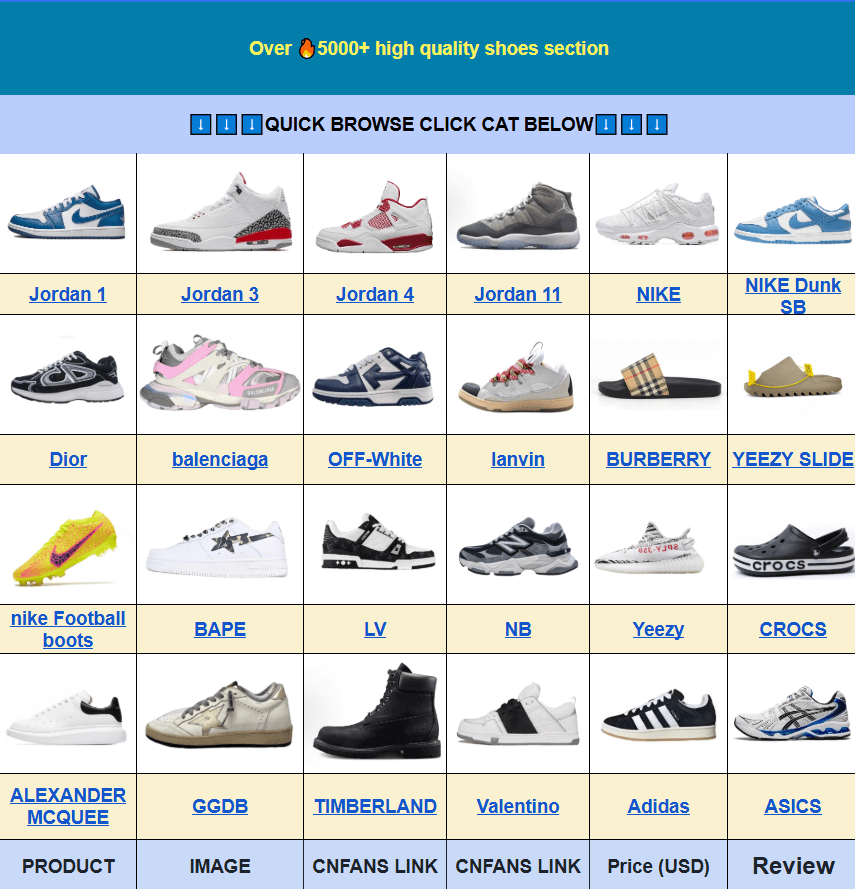
You still get the curated finds—shoes, hoodies, tees, jackets, accessories—but presented like a normal online store. Categories sit in a clear menu. Product cards show a main photo and price range right away. Tap any item and you see the available QC images before deciding to order. The site never sells the goods itself; every “Buy” button sends you to the agent platform to complete the purchase.
How the QC Process Actually Works
Quality control photos are the real safety net. After the agent receives the item at the warehouse, staff take a set of clear pictures—front, back, tags, close-ups of logos or stitching, and usually a measurement shot. Those photos appear in your agent account. You review them and either approve the item or request a return while it is still in China.
On the Kakobuy Spreadsheet website many listings already include sample QC photos from previous orders. That gives you a head start. You can compare the look of different batches before you even place an order. Look for consistent lighting, visible size tags, and multiple angles. If a listing only shows one blurry photo, treat it as a red flag and move on.
Pro tip: always request extra angles for shoes (sole and heel) and clothing (side seams and collar). The more detail you see before shipping, the fewer surprises later.
Confidence Check
Feel more confident before you place your order
Understanding the QC process is step one. But how do those photos actually affect your trust in a seller? We explored how real buyers use QC images to make smarter, safer purchasing decisions — and how you can too.
Quick Size Comparison Tips
Asian manufacturer dimensions often run smaller than Western retail sizes. A size L on a streetwear hoodie might feel closer to a medium once it arrives. The site lists available sizes and, where possible, measurement charts. Cross-check those numbers against a garment you already own and like.
| Item Type | What to Measure | Common Adjustment |
|---|---|---|
| Hoodies / Sweaters | Chest width, length, sleeve | Often size up one |
| T-Shirts | Shoulder, chest, body length | Check brand-style fit notes |
| Pants / Shorts | Waist, inseam, thigh | Compare to your best-fitting pair |
| Shoes | Insole length if provided | Follow batch sizing guide when available |
If the listing lacks measurements, open the product page on the agent site after you click through. Most sellers provide a size chart there. When in doubt, message the agent and ask for a tape-measure photo once the item arrives at the warehouse.
Simple Purchase Steps
The flow stays straightforward:
- Browse or search on the Kako buy Spreadsheet homepage.
- Open a category that matches what you want—try Kakobuy shoes or Kakobuy hoodies & sweaters if those are on your list.
- Review the product photos and any existing QC shots.
- Click the buy link. It takes you to the agent platform with the product already loaded.
- Choose size, quantity, and any options, then pay. The agent buys it for you.
- Wait for warehouse arrival, inspect the QC photos, and approve or reject.
- Once everything is approved, submit your parcel for international shipping.
International shipping cost depends on weight, chosen line, and destination. Delivery usually lands between 7 and 20 days after the parcel leaves the warehouse, though customs can add a few days. Keep your tracking number handy and allow a little buffer during peak seasons.
Common Questions
Q: How do I check sizing before I order?
A: Look for the measurement chart on the product page or in the QC photos. Compare chest, length, and sleeve numbers to a similar item you already own. When the chart is missing, request a tape-measure photo after the item reaches the warehouse.
Q: What is the Kakobuy Spreadsheet website?
A: It is a web version of curated product lists that used to live only in Google Sheets. You browse categories, see photos, and then jump to the agent to place the actual order. The site itself does not process payments or ship packages.
Q: Is the mobile version easy to use?
A: Yes. Pages load quickly, the menu is thumb-friendly, and search works with short keywords. Most people find it faster than trying to navigate a heavy spreadsheet on a phone screen.
Q: Are there QC photos?
A: Many listings already show sample warehouse photos from earlier orders. After you buy, the agent provides a fresh set of photos specific to your item so you can approve it before shipping.
Q: Why not just keep using Google Sheets?
A: Sheets become slow once they grow past a few thousand rows, especially on mobile. The website version keeps the same finds but serves them as a normal product catalog that opens almost instantly.
Q: What should I do if the product looks wrong in QC?
A: Message the agent right away while the item is still in the warehouse. Most cases allow a return or exchange before anything ships internationally.
Q: Does the site share my data?
A: The spreadsheet website only helps you discover products. Any personal or payment information stays with the agent platform you order through. Browse freely; nothing is collected until you leave for checkout.
Q: Any first-time user tips?
A: Start with one or two items instead of a full haul. Watch the QC photos carefully, learn the size patterns of the sellers you like, and keep notes on what worked. After a couple of successful orders the process feels routine.
Next time your phone freezes on a giant sheet, open the website instead. Pick a category, check the photos, and move on with your day. The finds are still there—just faster to reach.