Smart Search Tip: Looking for more? To find items instantly, use single-word keywords (e.g., “shoes” or “T-SHIRT”) instead of long sentences for the best results.
Kakobuy Spreadsheet website works as the practical proxy shopping tool most of us actually needed. Google Sheets used to freeze for 25–30 seconds on my phone every time I tried to open a new album. Dead links and missing photos wasted more time than the shopping itself. Now the same 15,000+ QC-checked finds load as normal web pages, albums open clean, and one click sends you to the agent to place the order. No extra accounts, no lag, just the data in a usable form.
The daily sheet problem
Shared sheets break the moment traffic picks up. Cells jump, images refuse to load, and you end up copying codes into a notes app just to keep track. The Kakobuy spreadsheet with QC fixes that by turning the same community data into a regular website. Categories stay sorted, photos stay attached, and the buy button only redirects to the agent platform you already trust. You never pay or log in on the spreadsheet pages themselves.
Real Talk
If you’re shopping on mobile right now…
You’re already enjoying lag-free proxy shopping on desktop. But the moment you switch to your phone, things can slow down fast. Our fix guide has you covered — step-by-step solutions for every device, every browser, every time.
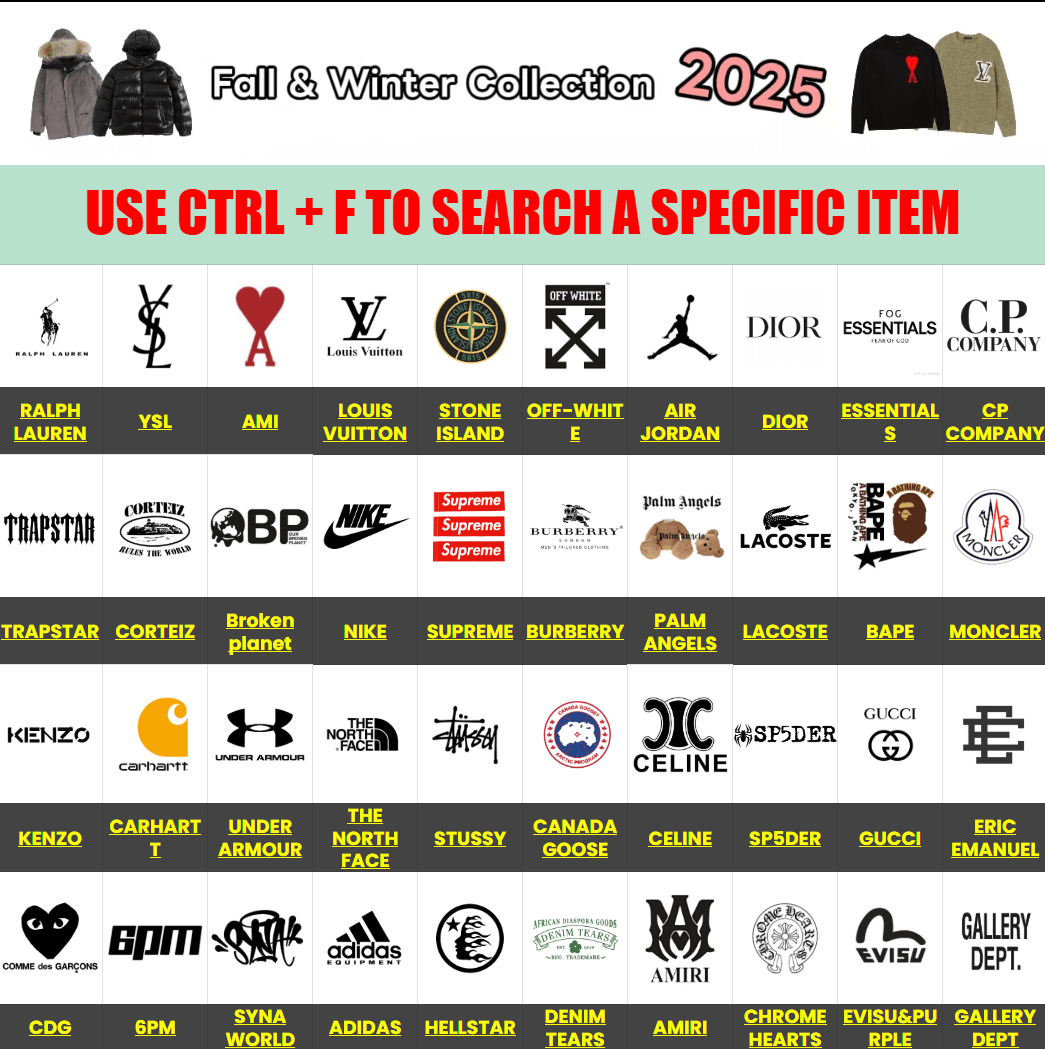
QC walkthrough I still use
After hundreds of orders this is the short list that actually catches issues:
- Open every photo in the album, not just the first three. Lighting changes between shots often hide small flaws.
- Check stitching density, print edges, and any graphic placement under normal room light.
- Compare listed weight or measurements against the manufacturer dimensions when they appear.
- Request two extra close-ups of high-wear spots (cuffs, collars, heel counters) before you confirm.
- Note the batch date if shown — newer runs sometimes fix earlier problems.
Pro tip: save the album link in your notes. When a later batch arrives you can line the photos up side by side and see what changed.
Size matching and order steps
Batch sizing guides rarely match regular retail charts. Measure something you already like and use those numbers.
| Measurement | How to take it | Where it usually appears |
|---|---|---|
| Chest width | Armpit to armpit, laid flat | Batch sizing guide |
| Body length | Shoulder seam straight down | Manufacturer dimensions |
| Sleeve length | Shoulder to cuff edge | QC notes or chart |
| Insole / foot length | Heel to toe inside the shoe | Photo measurements |
Order flow in real steps:
- Browse or search, open 3–4 QC albums in the same category.
- Copy the product code and any batch notes.
- Hit the external link — it opens the agent page with the item ready.
- Select size from the batch guide, add any special requests, and submit.
- Wait for warehouse photos, approve or return, then choose shipping.
That is the complete path. Nothing happens on the spreadsheet site beyond showing you the photos and the link.
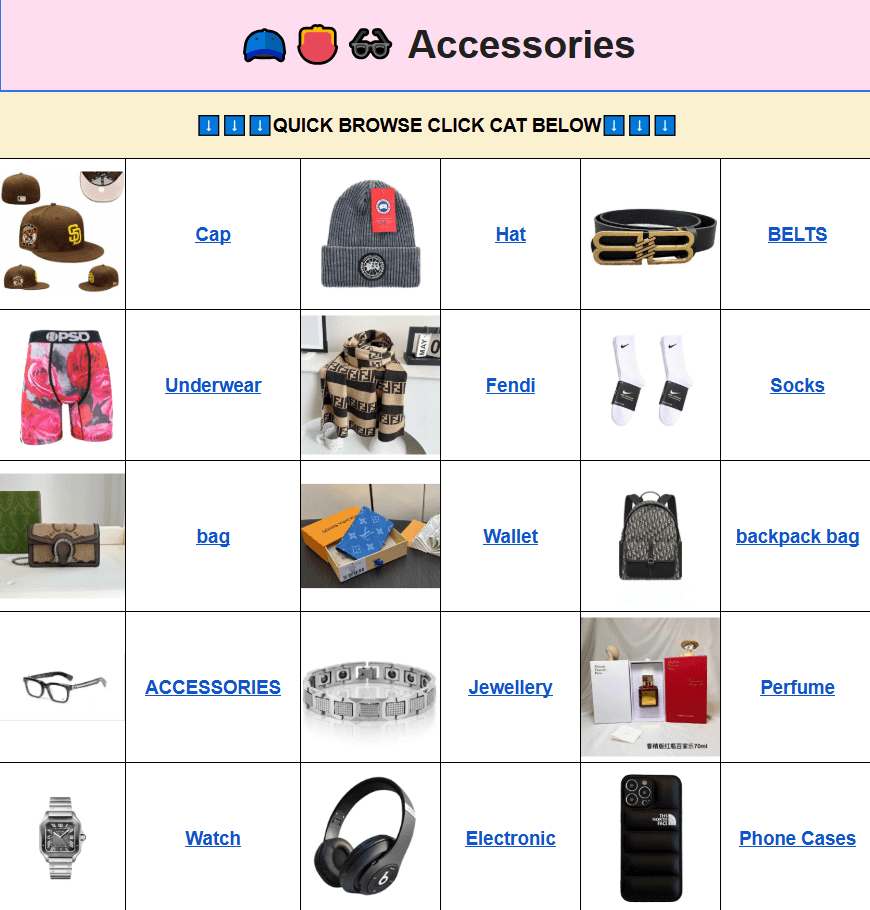
Two sections worth checking weekly
Jackets move fast when weather shifts. Newer albums in the kakobuy jackets spreadsheet section often list zipper type and fill weight, which helps more than any title. I always zoom the collar and pocket stitching first.
Pants and shorts stay useful year-round. Look for inseam and rise numbers in the kakobuy pants/shorts spreadsheet pages. Recent batches include flat measurements more often, so matching your own pair becomes straightforward.
FAQ
Q: Is the Kakobuy spreadsheet website safe?
A: The site only displays product info and QC albums. All payments and personal details stay on the agent platforms where you actually place the order.
Q: What types of products are available on the website?
A: Streetwear apparel, classic design pieces, accessories, footwear, and seasonal items — basically the same range people used to track in shared sheets, just organised and faster.
Q: How is the product quality? Are there QC photos?
A: Every entry links to warehouse photos of the actual item. You review the exact piece before it leaves the warehouse. If the album looks off, skip or request new shots.
Q: What are its advantages compared to other Kakobuy Spreadsheet websites?
A: Faster mobile load times, cleaner category filters, and regular link clean-ups. Most competing pages still rely on the same slow sheet embeds that freeze on phones.
Q: What benefits are there for first-time users?
A: You can open 15,000+ finds with photos already attached, compare batch sizing guides side by side, and jump to a working agent link without hunting dead URLs.
Q: Does the Kakobuy spreadsheet website share user data?
A: No. There is no login or checkout on the spreadsheet pages. Your information never touches the site.
Q: Why not use Google Sheets?
A: Sheets lag hard on mobile, links break constantly, and photo albums scatter across different tabs. The web version keeps everything in one place and loads in under a second.
Pick one category tonight, open three albums, and place a small test order. Once that first parcel arrives matching the QC photos, the whole process clicks into place.