Smart Search Tip: Looking for more? To find items instantly, use single-word keywords (e.g., “shoes” or “T-SHIRT”) instead of long sentences for the best results.
Browsing kakobuy spreadsheet electronics used to mean waiting for Google Sheets to crawl open on your phone. Rows froze, photos lagged, and finding a solid budget gadget took forever. Now you can open the page and jump straight into more than 15,000 QC-checked finds that load in seconds. No more spinning wheels—just clear product cards, real photos, and direct links to place your order with the agent.
Why the Switch Feels Better
Anyone who has tried loading a massive Google Sheet on mobile knows the pain. Thirty seconds of blank screen is common. On this site the same data sits in a clean WooCommerce layout, so pages open almost immediately. Categories stay organized, photos stay sharp, and you can filter without the sheet freezing halfway down.
The core idea is simple: turn the spreadsheet into fast web pages while keeping the external order links. Click buy and you land on the agent platform ready to check out. No extra steps, no new accounts if you already use the agent.
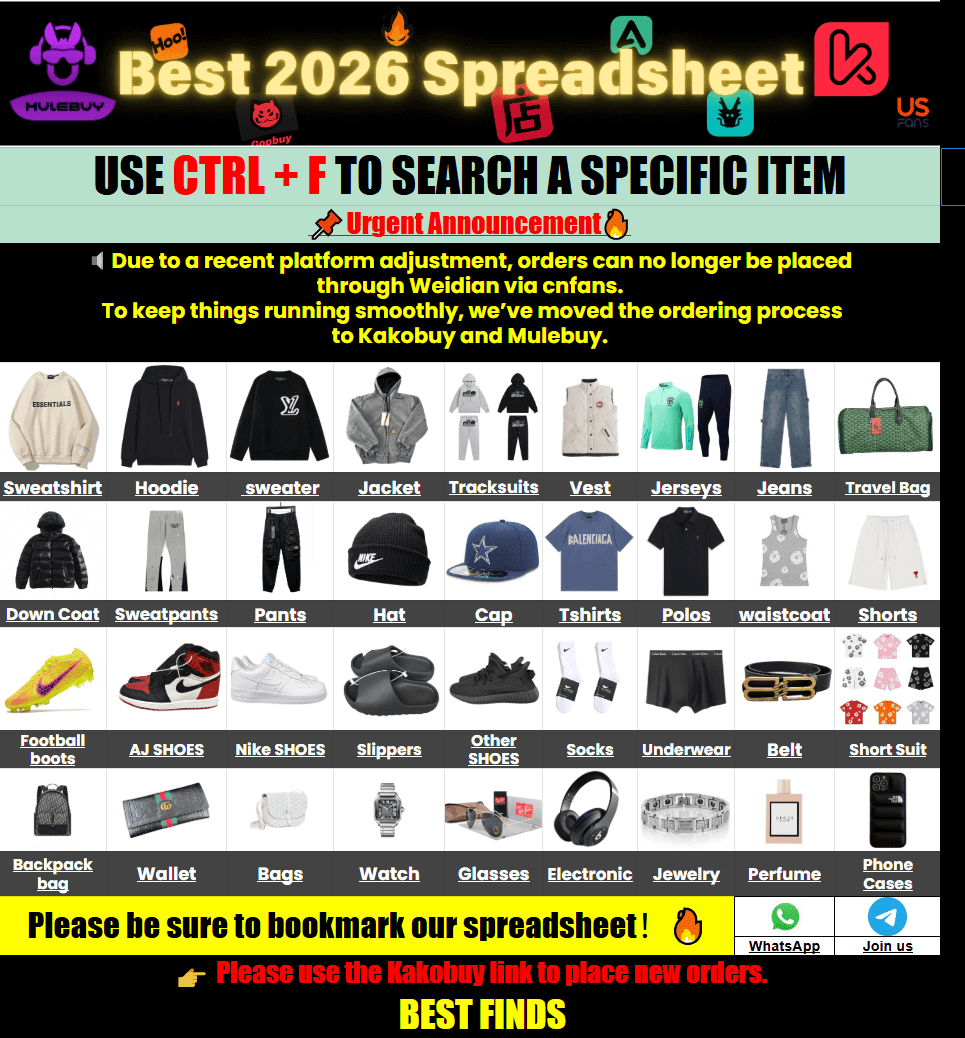
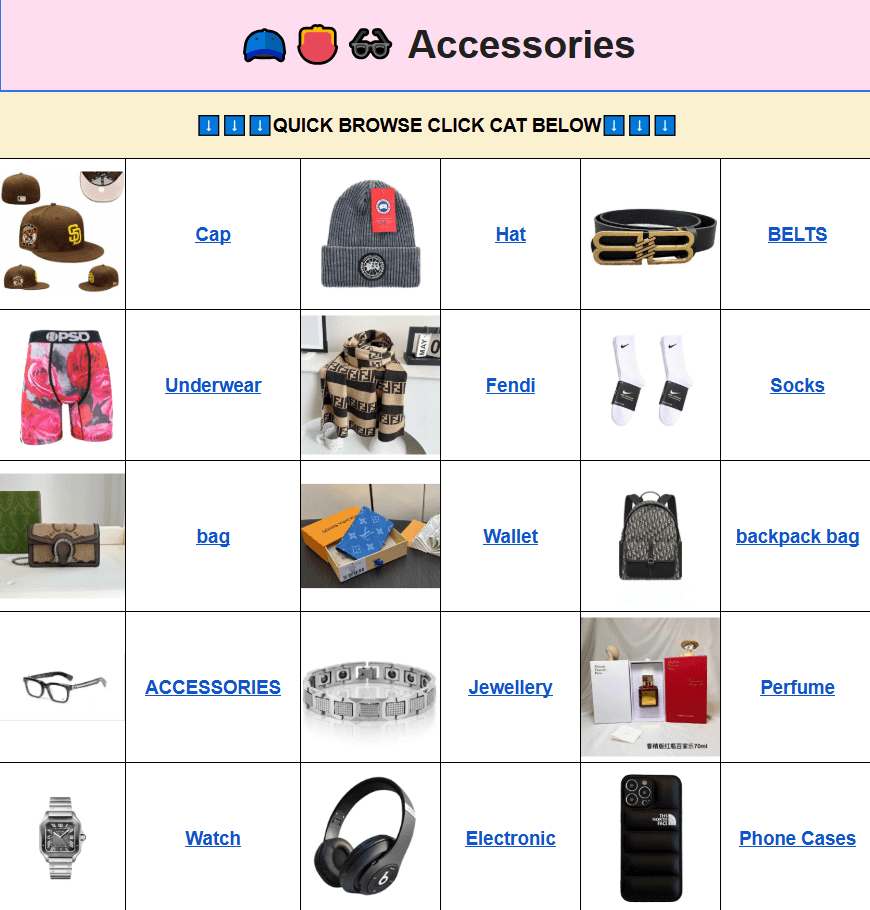
You can start from the Kakobuy spreadsheet with QC homepage and move into any section. For electronics-style items many people also check the kakobuy accessories and kakobuy other-stuff pages—those often hold the smaller gadgets and practical pieces.
How QC Photos Actually Work
Every listed item comes with quality-control photos taken before the agent ships. You see the actual piece, not stock images. Look for close-ups of ports, screens, buttons, packaging, and any markings. If something looks off—scratches, uneven seams, wrong cable type—you can message the agent and request a different unit or a refund before it leaves the warehouse.
Pro tip: open the full-size QC set and zoom. Lighting and angles matter more than the number of photos. A clear shot of the charging port or hinge tells you more than ten blurry overviews.
Quick Spec & Size Notes
Electronics rarely use clothing sizes, but dimensions and weight still matter for international shipping and fit in bags. Here’s a simple reference table many shoppers keep handy:
| Item Type | Typical Dimensions | Weight Range | What to Double-Check in QC |
|---|---|---|---|
| Compact earbuds case | 6–8 cm wide | 40–70 g | Hinge feel, charging contacts |
| Portable charger | 10–15 cm long | 180–280 g | Cable included, port condition |
| Small wireless speaker | 8–12 cm diameter | 200–350 g | Button response, grille finish |
| Watch-style tracker | Strap 14–22 cm | 30–50 g | Screen clarity, sensor side |
Always compare the listed manufacturer dimensions against the QC photos. If the photos show a thicker body or different port layout than the description, ask the agent before you pay.
Simple Buying Steps
1. Search with a short keyword (one or two words works best).
2. Open the product page and scroll the QC album.
3. Note the agent link and any size or color options.
4. Click through to the agent platform and add the item to your cart there.
5. Pay the agent, wait for warehouse QC confirmation, then choose shipping.
That’s the whole loop. The website itself never processes payment—it only shows the finds and the outbound links.
Common Questions
Q: What should I do if I receive an unsatisfactory product?
A: Contact the agent as soon as the package arrives. Most agents offer photo proof of the issue and a return or exchange window if the item does not match the QC photos you approved.
Q: How is the product quality? Are there QC photos?
A: Yes. Every listing includes real warehouse photos taken after the item arrives at the agent. You decide whether to ship based on those pictures.
Q: Why not use Google Sheets?
A: Large sheets load slowly on phones and tablets. Pages freeze, photos take ages to appear, and searching becomes frustrating. The website version keeps the same data but serves it as normal product pages that open fast.
Q: Is the Kakobuy spreadsheet website mobile version easy to use? How do I search for items I want to buy?
A: It works well on phones. Use the search bar with short keywords such as “earbuds” or “charger.” Filters and category menus stay visible so you can narrow results quickly.
Q: What are the benefits of using the Kakobuy spreadsheet website (smooth operation, clear categories)?
A: Pages load in a couple of seconds instead of thirty. Categories stay separate, photos stay sharp, and you can move between finds without the browser choking.
Q: Is the Kakobuy spreadsheet website safe?
A: The site only displays product information and external order links. Payment and personal details stay on the agent platform you already trust.
Q: Does the Kakobuy spreadsheet website share user data?
A: No account is required to browse. The site does not collect or share personal shopping data.
Q: What types of products are available on the website?
A: You will find everyday electronics-style items mixed with clothing, accessories, and other practical goods—all pulled from the same large spreadsheet source and shown with QC photos.
When you land on a good find, open the QC set first, check the dimensions, then jump to the agent link. That short habit saves most of the usual headaches.