Smart Search Tip: Looking for more? To find items instantly, use single-word keywords (e.g., “shoes” or “T-SHIRT”) instead of long sentences for the best results.
The Kakobuy Spreadsheet website solves a real headache for anyone who has ever waited minutes for a giant Google Sheet to load. Instead of staring at spinning circles while thousands of rows of QC photos and links try to render, you land on a clean, fast product-style layout. Browse 15,000+ curated finds, filter by category or brand, check recent quality control images, and jump straight to the agent platform when you are ready to order. This is not another slow spreadsheet—it is a practical web version built for global shoppers who want speed and clarity without giving up the original data.
Quick Jump:
Why Switch from Google Sheets
Anyone who has spent time hunting through large shared sheets knows the pain. Pages freeze, filters lag, mobile viewing becomes a nightmare, and finding one specific hoodie or pair of sneakers can take longer than the actual purchase decision. The Kakobuy Spreadsheet website takes that same data set and presents it in a standard product catalog format. Load times drop dramatically because the heavy spreadsheet engine is replaced by lightweight category pages and individual product cards.
I have used both the original sheet method and this web version side by side. On a regular laptop the difference is noticeable; on a phone it is night and day. You can open a category, scroll through recent QC images, and move on without waiting for every cell to recalculate. That alone makes the switch worthwhile for regular buyers.
Want a Faster Way to Browse Kakobuy Spreadsheet?
Still comparing a web-based catalog with the original Google Sheets format? See how the two approaches differ in speed, navigation, product discovery, and overall browsing experience.
Kakobuy Spreadsheet vs. Google Sheets: Which Is Better for Finding Products?
Explore the key differences between a traditional spreadsheet and a dedicated Kakobuy Spreadsheet website, including why a searchable web catalog can make large product lists easier to browse.
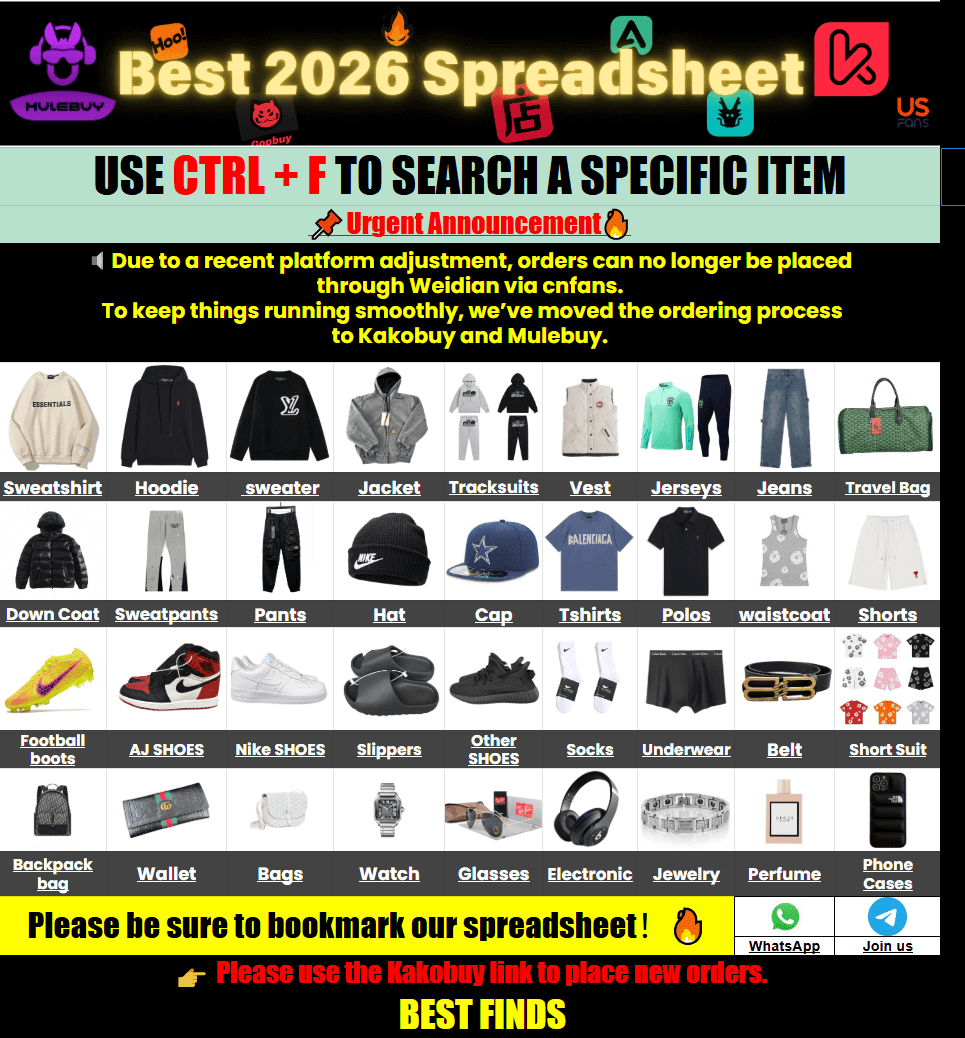
How the Site Works
The site functions as a preview layer. You browse items the same way you would in any online store: categories, search, product pages with images and basic details. When you decide to buy, the “Purchase” or “Order” button sends you directly to the corresponding listing on the agent platform. There is no cart or payment system on the Kakobuy Spreadsheet website itself. This keeps the experience focused on discovery and quality checking while the actual transaction stays with the established agent service.
For first-time visitors the process feels straightforward. Land on the Kakobuy Spreadsheet 2026 homepage, pick a category that matches what you need, open a few product pages, review the QC photos, and follow the external link when ready. No account is required just to browse.
Categories & Brands Overview
The catalog is organized into clear product groups so you do not have to scroll endlessly. Popular sections include shoes, tops, outerwear, bottoms, headwear, and seasonal collections. One section I return to often is the pants and shorts area because the range of fits and fabrics is broad and the QC photos usually show waist and length details clearly.
You can jump straight into the Kakobuy spreadsheet pants/shorts category if that is what you need today. Brand pages sit alongside the category structure, making it easy to focus on a specific label when you already know the style you want. For example, the Kakobuy Trapstar brand collection gathers related pieces in one place so you can compare options without jumping between multiple sheets.
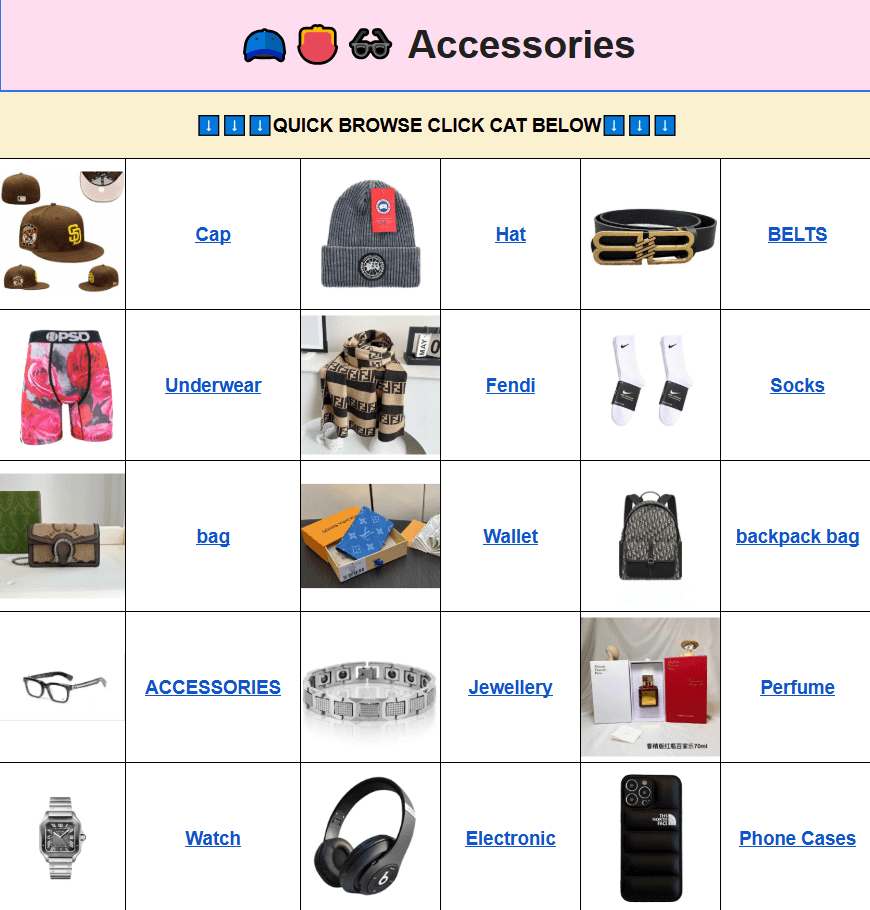
Other useful sections cover jackets, hoodies, sets, accessories, watches, and seasonal drops. The structure is simple on purpose: fewer clicks between “I want this” and “here is the QC photo.”
QC Photos and Quality Checks
Quality control images remain the heart of the experience. Most listings include multiple recent photos taken after the item arrives at the warehouse. You can see stitching, logo placement, fabric texture, and overall finish before you commit. This is the same information that lived in the original spreadsheets, just presented next to the product instead of buried in a distant column.
From personal use, the ability to open three or four similar items side by side and compare the latest QC shots has saved me from ordering pieces that looked good in factory photos but arrived with visible flaws. The web layout makes that comparison faster than scrolling through hundreds of spreadsheet rows.
Typical Shopping Flow
Here is how a normal session usually goes for me:
- Open the site and use a short keyword or go directly to a category.
- Scan recent additions or filter by the style I need.
- Open two or three product pages and study the QC images closely.
- Note the agent link and any size or batch information provided.
- Click through to the agent platform and place the order there.
- Track the item through the agent’s usual process and request extra photos if needed.
The whole discovery phase stays on the Kakobuy Spreadsheet website; the money and shipping stay with the agent. That separation keeps the browsing experience light and the transaction familiar.
Quick Comparison Table
| Aspect | Google Sheets | Kakobuy Spreadsheet Website |
|---|---|---|
| Load speed on mobile | Often slow or freezes | Fast page loads |
| Browsing experience | Rows and columns | Product cards and categories |
| QC photo access | Scattered in cells | Grouped with each item |
| Search & filter | Basic spreadsheet tools | Category + keyword friendly |
| Order process | Copy-paste links | Direct external link |
The table above reflects real daily use rather than marketing claims. Speed and clarity are the two biggest practical gains.
Frequently Asked Questions
Q: Is the Kakobuy spreadsheet website safe?
A: The site itself is a catalog and preview layer. You do not enter payment details or personal shipping information here. All purchases happen on the established agent platform through the external links. That separation limits the amount of data the website ever handles.
Q: Why not just keep using Google Sheets?
A: Sheets work when the file is small. Once the shared document grows past a certain size, mobile loading becomes unreliable and filtering turns into a waiting game. The web version keeps the same source data but serves it in pages that load quickly and are easy to navigate on any device.
Q: How is the product quality? Are there QC photos?
A: Most listings include recent warehouse QC photos. These show the actual item after it arrives at the agent, not just factory pictures. Checking those images is the main reason many people use the spreadsheet approach in the first place, and the website makes them easier to view.
Q: What types of products are available on the website?
A: The catalog covers streetwear and casual clothing categories—shoes, tops, hoodies, jackets, pants, shorts, headwear, sets, accessories, and seasonal collections. Brand pages sit alongside the category structure so you can focus on specific labels when needed.
Q: What is its relationship with Kakobuy?
A: The website is an independent catalog built from publicly shared spreadsheet data related to Kakobuy finds. It does not process orders or hold inventory. It simply makes the existing information faster to browse and sends you to the agent when you are ready to buy.
Q: Is the Kakobuy Spreadsheet website mobile version easy to use? How do I search for items I want to buy?
A: Yes. Pages are designed to work on phones without the lag common in large spreadsheets. Use short single-word keywords such as “hoodie” or “sneakers” in the search box, or go straight to a category page. Long sentences tend to return fewer useful results.
Q: What benefits are there for first-time users?
A: You can browse without creating an account. Open any category, look at QC photos, and only move to the agent platform when you decide to order. The layout is familiar if you have shopped online before, so the learning curve is short.
Q: What are the benefits of using the Kakobuy spreadsheet website (smooth operation, clear categories)?
A: Faster loading, clearer visual organization, and the ability to open multiple product pages without the spreadsheet freezing. Categories and brand pages reduce the time spent hunting through endless rows. Those small improvements add up when you check the site regularly.
Q: Does the Kakobuy spreadsheet website share user data?
A: Browsing does not require login or personal details. Because purchases happen on the external agent site, this catalog does not collect or store payment or shipping information.
The Kakobuy Spreadsheet website is simply a practical tool for people who already use agent platforms and want a faster way to review large catalogs and QC photos. It removes the friction of slow spreadsheets while keeping the original data and ordering path intact. If you regularly dig through shared sheets looking for the next piece, spending a few minutes on the web version usually shows whether it fits your routine.